Capture every glitch.Replay it anywhere.
DAWG captures browser sessions through its desktop app and extension, sanitizes them locally, and packages them as validated OCI artifacts that can be cataloged, shared, and replayed.
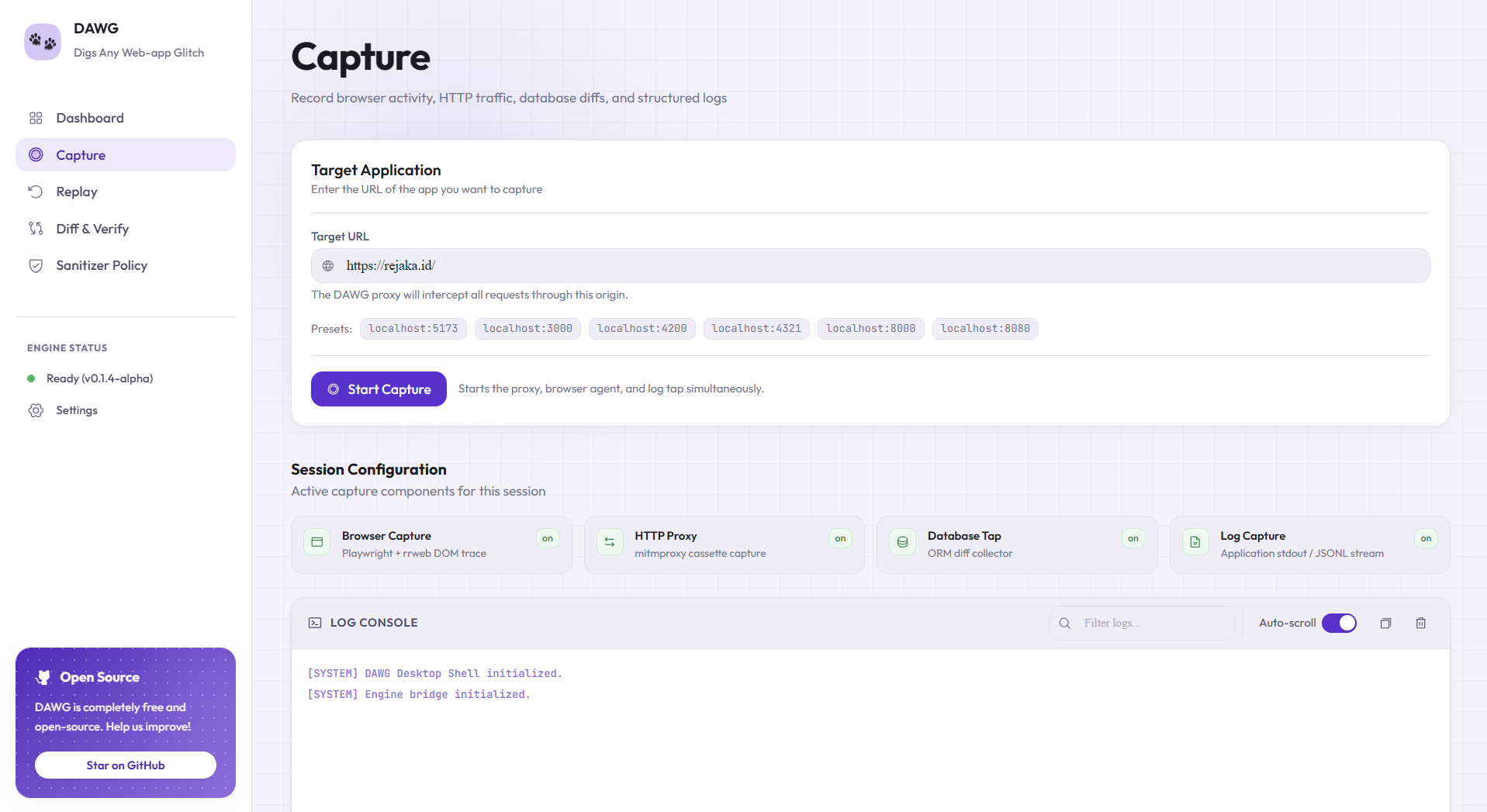
Built on a rock-solid open stack
Every layer is an auditable, battle-tested open-source project.
Powerful features to simplify your bug-reproduction experience
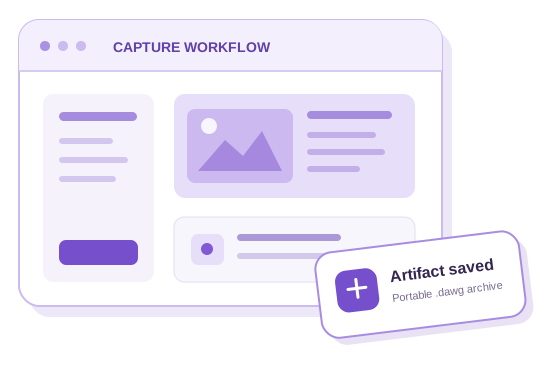
Capture from the browser you already use
The desktop app and Chromium extension record rrweb events, user actions, and frontend request metadata from the tab where the bug occurs.
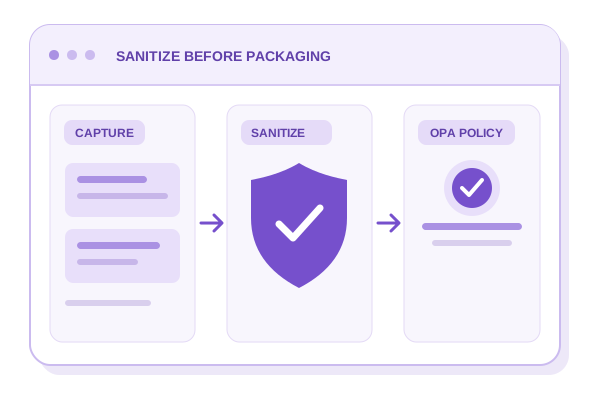
Sanitize before packaging
Built-in heuristics replace common PII and secrets, then an OPA policy gates the sanitized capture before DAWG creates the artifact.
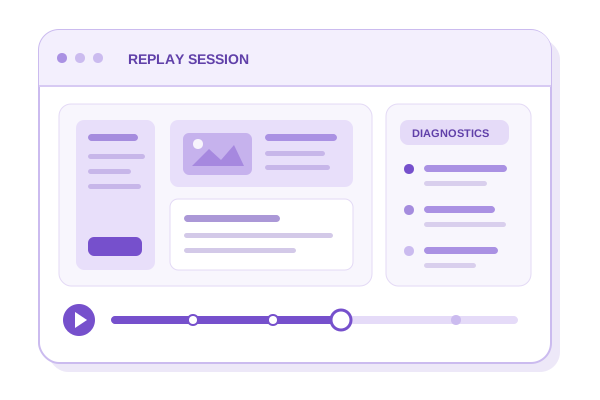
Replay with recorded context
Render the captured rrweb timeline in Chromium and inspect replay diagnostics without needing the original application.
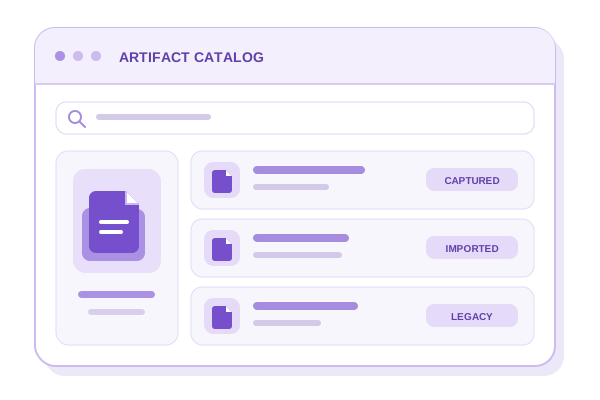
Persistent Artifact Catalog
Keep captured, imported, and discovered legacy artifacts available across desktop restarts.
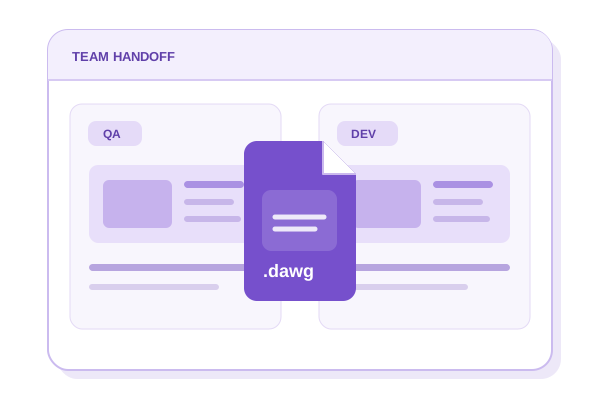
Portable .dawg Archives
Export validated OCI layouts as .dawg files, import them safely, or exchange artifacts through an OCI registry.
Ship with tooling that does what you expect.
One engine powers the DAWG desktop app and browser extension, with readable logs and live status at every step of capture, packaging, and replay.
Bundled, Local-First Runtime
The packaged desktop app ships the engine, Node.js, mitmdump, and Playwright Chromium, so there is nothing extra to install and every capture stays on your machine.
Engine Doctor Diagnostics
One-click health checks verify each runtime component, the schema, the OPA policy, and the bundled extension manifest, then flag anything missing before you start.
Readable Logs and Live Status
A real-time engine log stream, live capture indicator, and packaging progress keep every step visible, with clear status badges so you always know what DAWG is doing.
Everything You Need. Nothing You Don’t.
Comprehensive tools designed with simplicity and security in mind.
Capture Once. Investigate With Context.
Install the desktop bundle and extension, capture the failing session, then replay or share the validated artifact.